Supervision
Supervision relies on a Supervision bot user that is invited into every room. Supervision bot is able to force itself back as a user admin in case he is kicked out of a room. It can be configured to admin rooms and optionally private messages.
Usage
To login as the Supervision bot, you need to enable element-admin in your ESS Pro Deployment.
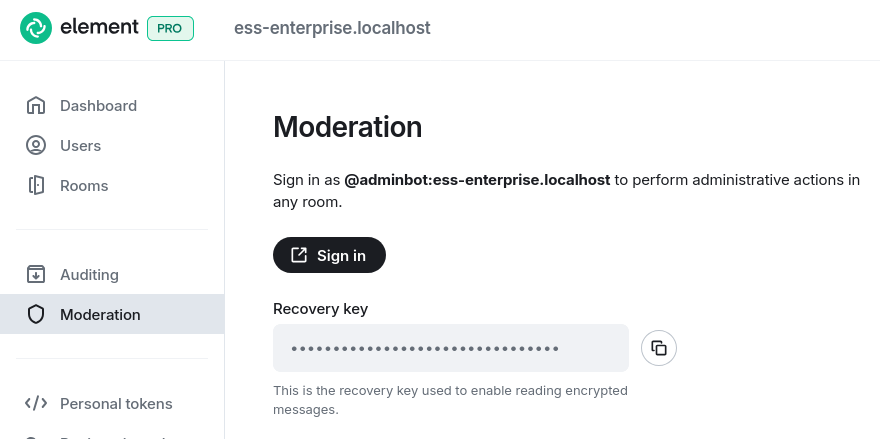
As an admin user, when you login in Element Admin, you will be able to see the Moderation tab on the left.
It allows you to start an Element Web browser tab logging you in as the Supervision bot by clicking on the "Sign in" button.
Example configuration
The Supervision bot is preconfigured by ESS to login to the local homeserver. You can configure the following options:
base:
  config:
    options:
      # (Optional) Should the bot join or leave DMs?
      shouldJoinDMs: false

      # (Optional) Only join rooms which are under the homeserver's domain.
      onlyJoinLocalRooms: false

      # (Optional) Skip a room if its creator matches this regex.
      skipRoomsMatchingCreator: bad-creators-.+

      # (Optional) Only handle rooms that are this active.
      minimumLastActiveMinutes: 50

      # (Optional) Always ignore these room IDs.
      denyRooms:
        - "!never-join-this-room:example.org"

      # (Optional) Only join these room IDs.
      onlyRooms:
        - "!only-join-this-room:example.org"